Dashboard
The Dashboard page provides a comprehensive view of details and settings for a Factorial Code process.
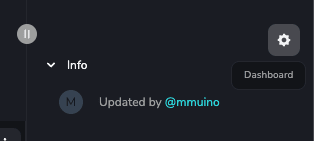
To access it, navigate to the process page and click on the gear icon at the top right of the screen:
Details
Section titled “Details”The initial page presents all available process configurations:

- General:
- Name: process name (must be unique across all processes).
- Slug: friendly process identifier (must be unique across all processes). This is the identifier to use in Webhooks and Forms: unlike the process ID, it is the same in every workspace, so the same reference keeps working when you move it from one workspace to another. Renaming the slug invalidates references that already use it.
- Description: process description.
- Forms: Enable or disable forms integration for this process. This feature allows you to embed process input parameter forms in any webpage. Refer to the full form documentation for more details.
Schedules
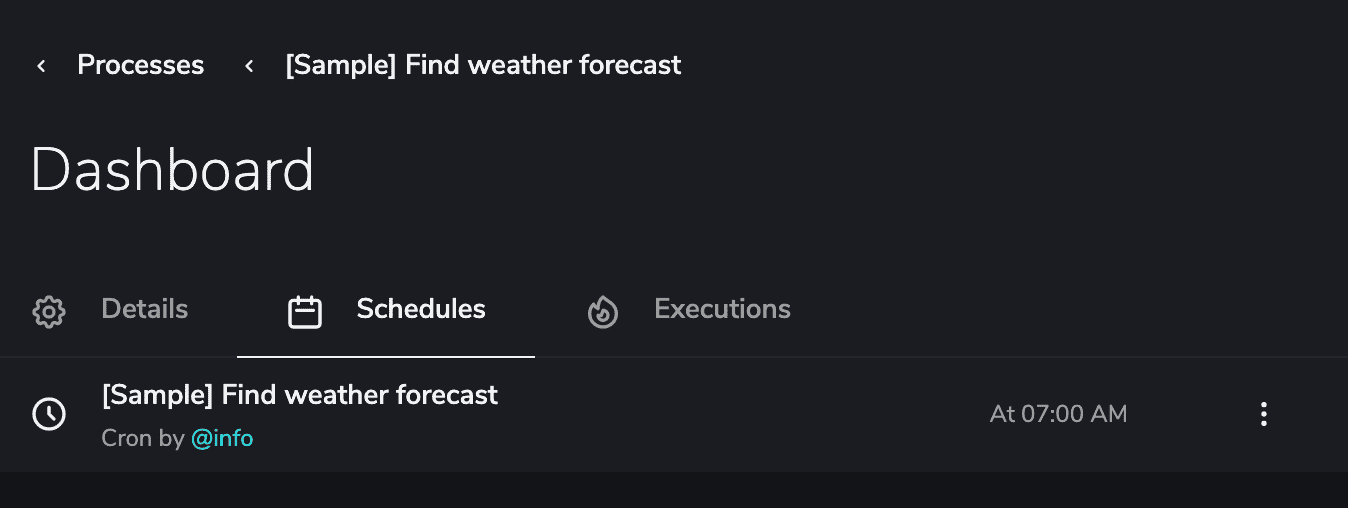
Section titled “Schedules”View every scheduled configuration (cron jobs and one-time schedules) for the process in the Schedules tab.
Executions
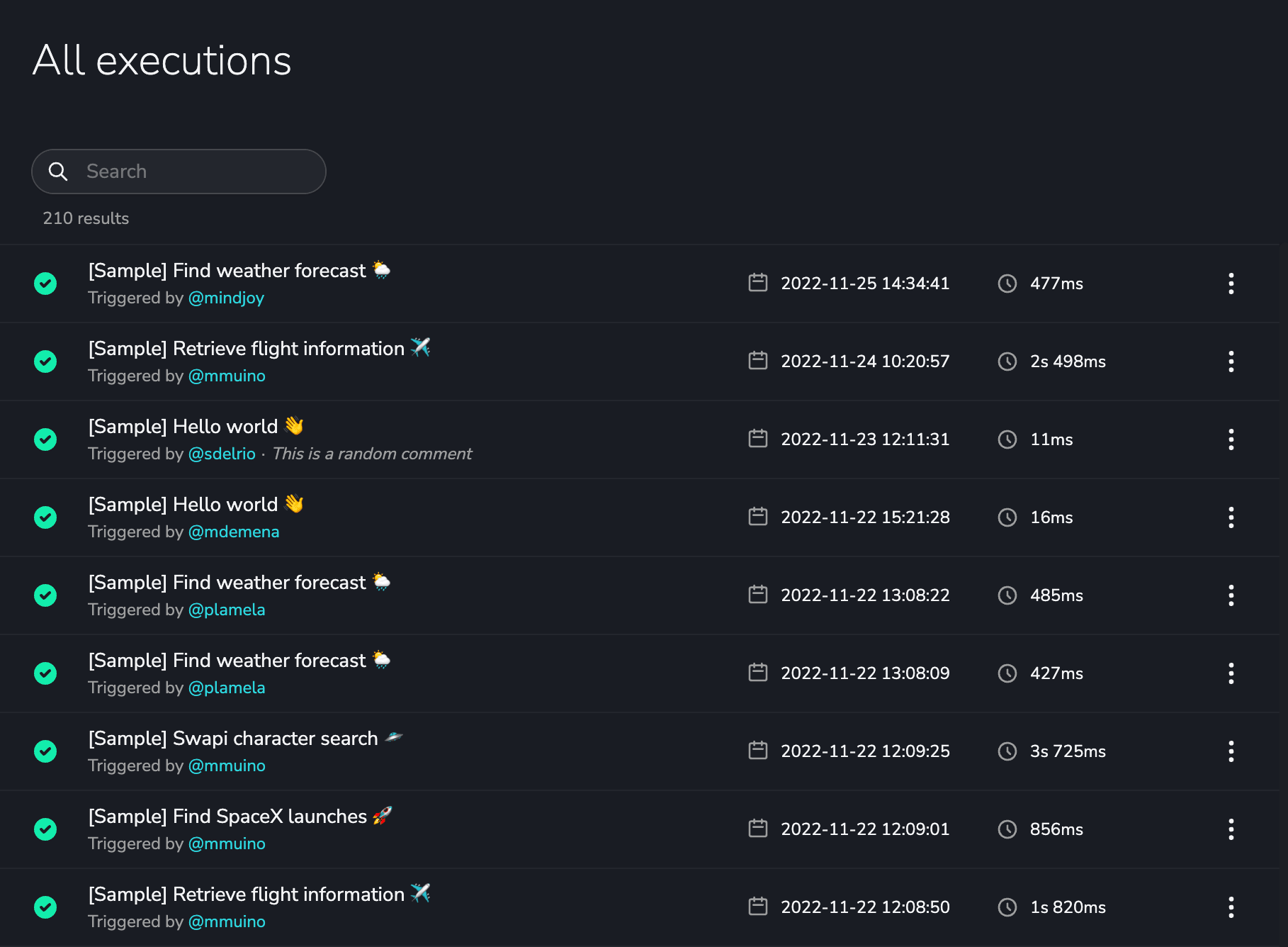
Section titled “Executions”Track all process executions in the Executions tab.